
Blog
JUUL Not Detecting Pod? Causes, Fixes & Prevention Tips

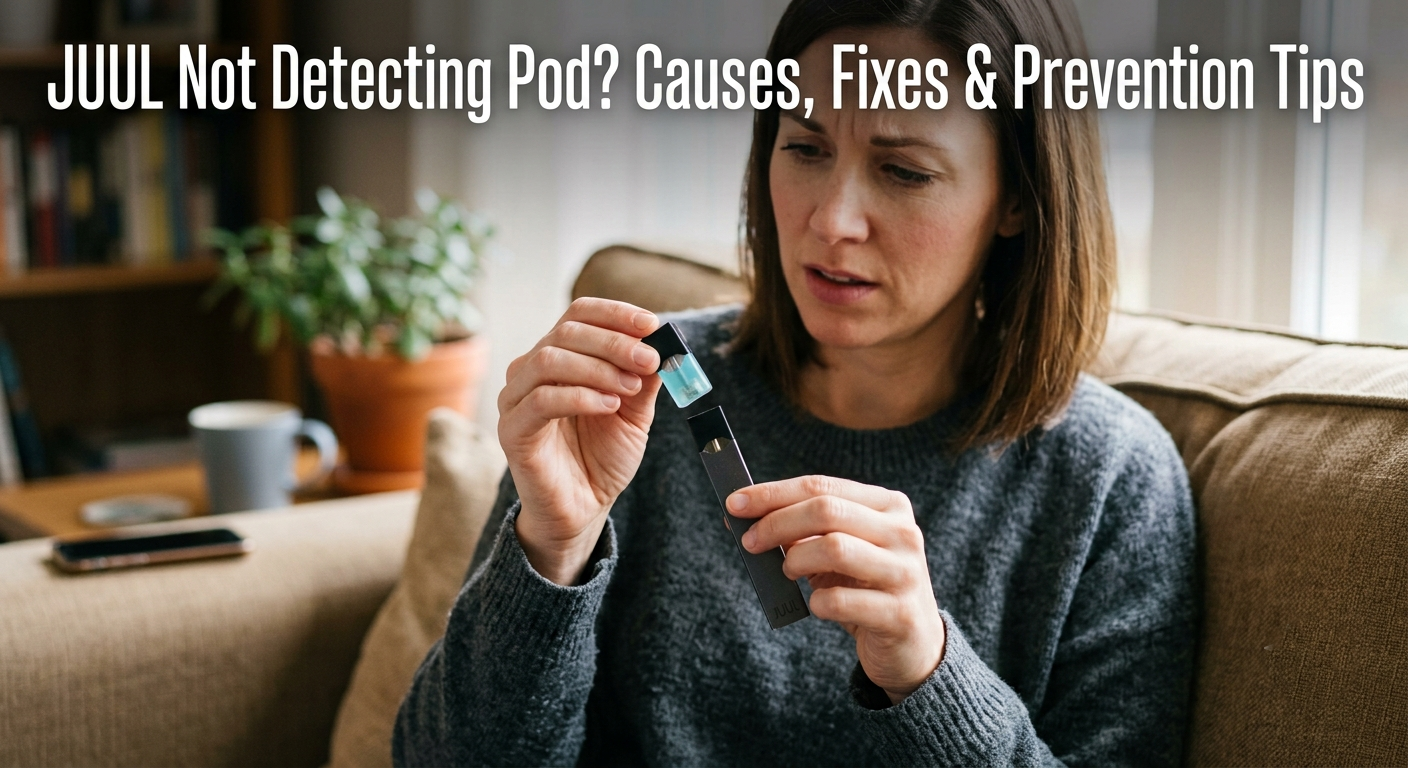
You push the pod in, wait for the click, take a puff, and nothing happens. No vapor, no light, no response at all, like the device doesn’t even know a pod is there. This is one of the most common complaints we hear at Pod Seller.ae, and the good news is that it’s rarely a dead device. In most cases, it comes down to something small: a dirty contact, a pod that isn’t seated right, or a pod the device genuinely can’t recognize. This guide walks through every real cause, the exact fix for each, and how to stop it from happening again.
Why Your JUUL Isn’t Detecting the Pod
Both the original JUUL device and the JUUL 2 device rely on a set of small gold contacts to sense when a pod is inserted and to read whether that pod is genuine. When that connection breaks down, whether from dirt, damage, or a pod the device doesn’t trust, the result looks the same from the outside: nothing happens. Here’s what’s usually behind it.
1. Dirty or Residue-Covered Contacts
This is the number one cause by a wide margin. E-liquid residue, pocket lint, and everyday dust settle on the gold contacts inside the device and on the bottom of the pod. Even a thin film is enough to block the connection, since the device is reading a very small electrical signal.
2. Pod Not Fully Seated
JUUL pods should sit flush and click into place. If you feel resistance or the pod sits at a slight angle, it likely isn’t making contact even though it looks inserted.
3. Empty, Old, or Faulty Pod
A completely dry pod that has trapped air bubbles or has a damaged internal coil can behave as if it isn’t there at all. Try a fresh pod, such as a JUUL Mint pod or a JUUL Berry pod, straight from a sealed pack, to rule this out quickly.
JUUL 2 devices use PodID technology to verify a pod is authentic before they’ll fire. If you see two red lights alternating left to right when you insert a pod, the device has specifically flagged it as incompatible or unrecognized, not just poorly seated. This is common with counterfeit pods or pods bought from unverified sellers.
For a full breakdown of how this verification works, see “What Is JUUL 2 Smart Pods Pod ID Technology?”
5. Liquid Damage Inside the Device
A pod that’s leaked in the past can leave e-liquid behind the contact barrier, where normal cleaning can’t reach it. Over time, this residue hardens and blocks the sensor completely.
6. Worn-Out Battery or Sensor
A battery that’s aged past its useful life sometimes has enough charge to power the LED but not enough to reliably drive the pod-detection circuit. This is more common in devices like the JUUL Slate Device after many months of daily use.
If this sounds like your device, our “JUUL Not Working in UAE: Troubleshooting Guide” covers the full set of fixes.
Step-by-Step Fixes
- Remove the pod and inspect it. Look for cracked contacts, visible leakage, or a bent connector.
- Clean both sets of contacts. Use a dry cotton swab or one lightly dampened with isopropyl alcohol on the pod’s bottom contacts and the device’s internal contacts. Let everything dry fully before reinserting.
- Reinsert the pod firmly until you feel and hear the click. Don’t force it at an angle.
- Test with a different pod. Swap in something like a JUUL 2 Summer Menthol or a Ruby Menthol from a sealed pack. If the new pod works, the original pod was the problem.
- Check the battery. Double-tap the device to see the LED color. A low or dying battery can sometimes mimic a detection failure.
- Try the pod in a second device if you have one. This isolates whether the fault is the pod or the device itself.
- Contact JUUL Care if the same pod fails to work in every device you try or if the device won’t detect any pod at all after cleaning.
Quick Reference Table
| Symptom | Likely Cause | What To Do |
|---|---|---|
| No light, no vapor, pod feels loose | Pod not seated properly | Remove and reinsert firmly until it clicks |
| It works only if you press the pod | Dirty or residue-covered contacts | Clean both contacts with a dry or lightly damp swab |
| Two red lights alternating (JUUL 2) | Incompatible or unrecognized pod | Try a genuine pod from a sealed pack |
| Nothing works with any pod | Internal liquid damage or sensor failure | Deep clean; contact JUUL Care if unresolved |
| Detection is inconsistent over time | Battery or sensor wear | Check battery level; consider device replacement |
Prevention Tips
- Clean the contacts on both the device and pod every one to two weeks, even if nothing seems wrong.
- Store pods upright to stop e-liquid from pooling near the contacts.
- Avoid squeezing or applying pressure to the pod body, which can force liquid into the contact area.
- Stick to genuine pods, such as a Tropical Medley an Arctic Breeze pod, or a JUUL Virginia Tobacco pod, from a verified seller rather than an unmarked source.
- Don’t leave a leaking pod in the device. Remove it the moment you notice liquid pooling.
- Keep the device away from extreme heat, direct sun, and water exposure.
When It’s the Device, Not the Pod
If you’ve cleaned the contacts, tested multiple genuine pods, confirmed the battery is charged, and detection still fails, the device itself has likely reached the end of its usable life. This is more common after six to twelve months of daily use. At that point, replacing the device is faster and more reliable than continuing to troubleshoot.
Frequently Asked Questions
Why does my JUUL 2 show two red lights and not detect the pod?
That pattern means the device has identified the pod as incompatible or unauthenticated. Try a genuine pod from a sealed pack before assuming the device is faulty.
Can a leaking pod stop future pods from being detected?
Yes. Dried e-liquid residue behind the contacts can block the connection permanently, even after you remove the leaking pod.
Is it safe to use alcohol to clean the contacts?
A small amount of isopropyl alcohol on a cotton swab is fine, as long as everything is completely dry before you reinsert the pod.
Should I try a third-party pod if my JUUL won’t detect the original one?
No. Non-JUUL pods can have different electrical characteristics that make detection worse and may damage the contacts further.
How do I know if it’s the pod or the device?
Test the same pod on a second device if you can. If it works there, the fault is with your original device, not the pod.
Still stuck after trying all of this?
Browse genuine JUUL and JUUL 2 devices and pods at Pod Seller, or reach out, and we’ll help you figure out whether it’s the pod or the device before you buy anything new.